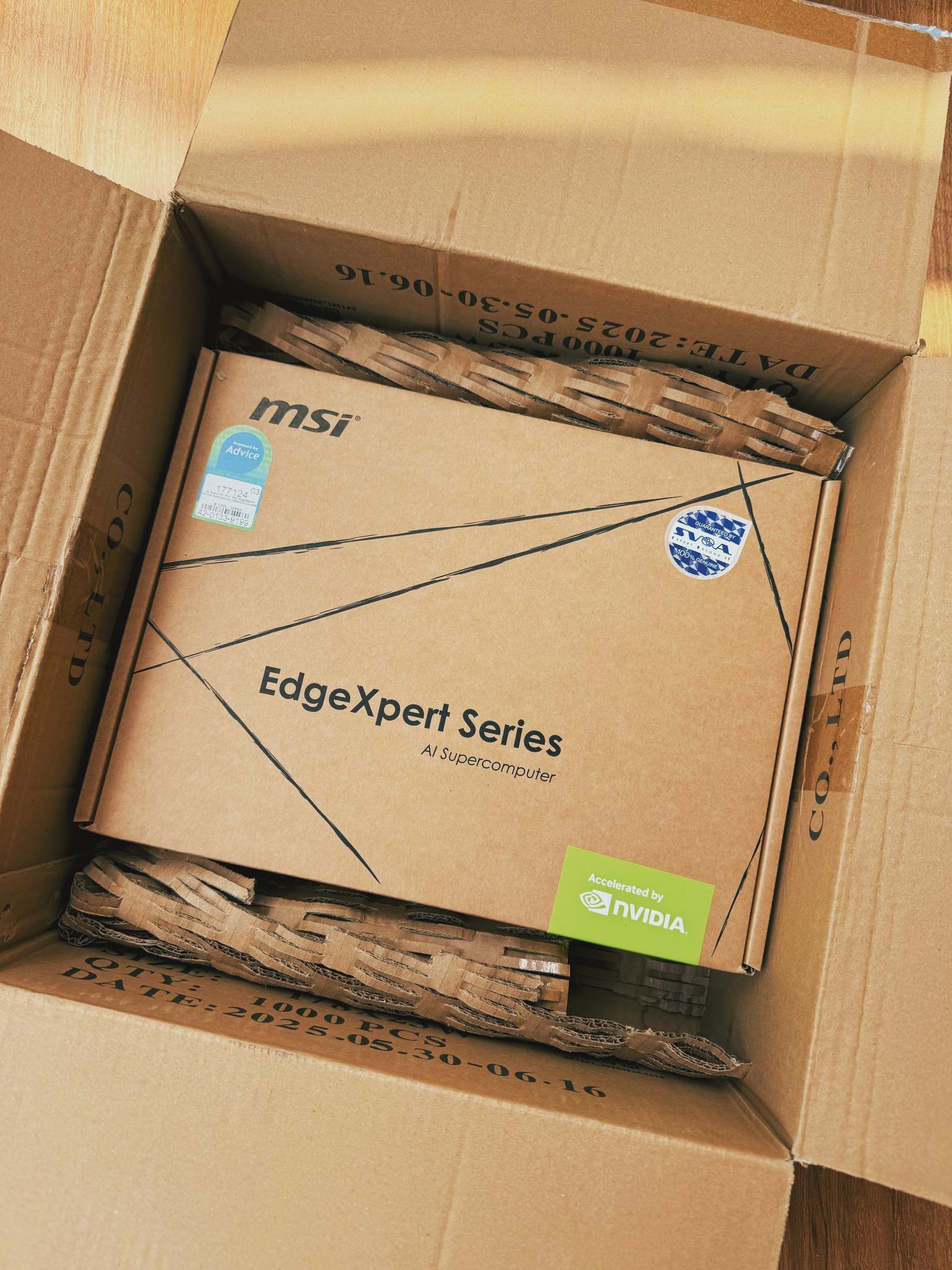
Hello everyone! Today I want to share my experience setting up a local AI coding assistant on my homelab. But this is not a normal homelab—I am using the NVIDIA DGX Spark (Grace Blackwell architecture).
Having a private, self-hosted AI that writes code for you is amazing. You don’t pay for API costs, and your code stays private. But setting it up on bleeding-edge hardware is quite a challenge. Here is my story!
Phase 1: The Hardware & Heat Management
The DGX Spark is a beast, but you have to be prepared for the heat! This machine runs quite hot, typically operating around 60 to 80 degrees Celsius.
Because the weather here in Bangkok is incredibly hot, you cannot just put this server anywhere. You must place it in a well-ventilated area with good airflow, or ideally, keep it in an air-conditioned room to prevent overheating.
Also, remember that it uses a Grace CPU (ARM64) and a Blackwell GPU. To ensure stability, you must use Docker base images from NVIDIA NGC that are built specifically for ARM64 (SBSA).
Phase 2: Running Qwen3-Coder-Next on vLLM
For the AI model, I chose Qwen3-Coder-Next. It is very smart for coding.
To run it, I used an awesome GitHub repository: eugr/spark-vllm-docker. This repo is optimized exactly for DGX Spark.
-
First Try (Failed): I tried to run the
NVFP4model format. But vLLM crashed with this error:Triton Error [CUDA]: an illegal instruction was encountered. The software stack (likecausal_conv1d) is still catching up with the new Blackwell architecture. -
Second Try (Success): I switched to the FP8 format. This format is well-supported and runs much smoother on this setup. I ran this command:
./run-recipe.sh qwen3-coder-next-fp8 --soloIt worked perfectly!
Phase 3: The AI Agent Battle (Claude Code vs OpenCode)
Now the server is running. I need a frontend to write code. I also set up LiteLLM as a proxy in the middle so I can trace requests and monitor logs.
Round 1: Claude Code (Smart but Slow)
Claude Code is a great CLI tool. But when I connected it to my local vLLM (via LiteLLM), it was very slow.
Here is my vLLM log:
GPU KV cache usage: 98.0%, Prefix cache hit rate: 0.0%Avg generation throughput: 4.8 tokens/s
Why so slow? Claude Code talks to the Anthropic API. LiteLLM has to translate it to the OpenAI API for vLLM. This translation changes the JSON structure every time. Also, Claude Code always puts the “current time” in the system prompt. Because the prompt changes every second, vLLM’s Prefix Cache cannot remember anything (0% hit rate). The VRAM gets full (98%), and the speed drops to only 4.8 tokens/s.
Round 2: OpenCode (Native and Fast!)
I decided to switch to OpenCode (a Terminal UI).
OpenCode speaks the OpenAI API format natively. LiteLLM just passes the request through without changing the structure. To make it perfect, I went into OpenCode’s settings and removed the timestamp variables from the system prompt template. I want the system prompt to be exactly the same every time.
Here is the new vLLM log:
GPU KV cache usage: 15.4%, Prefix cache hit rate: 3.2%Avg generation throughput: 53.5 tokens/s
The Result:
-
Prefix Cache works! The hit rate started going up, meaning vLLM now remembers the huge system prompt.
-
VRAM is free: KV cache usage dropped from 98% to only 15%, so your Blackwell GPU can breathe again!
-
Blazing Fast: The generation speed jumped to 53.5 tokens/s, generating code faster than you can read!
Conclusion
Building an AI coding agent on DGX Spark is a bleeding-edge experience. Here are my key takeaways:
-
Manage your thermals! Keep the server in a cool, well-ventilated room.
-
FP8 format is currently more stable than NVFP4 for Qwen3-Coder on this setup.
-
Prefix Caching is everything! If you use an AI Agent, make sure your system prompt is static. Remove dynamic variables like dates or times.
-
Using LiteLLM is a great practice for tracking logs and virtual spending.
Now, my private AI is fully optimized and ready to work. Time to start my next project!!!